Did you know the average American spends over seven hours daily staring at a digital display? This intense habit often leads to screen fatigue. Most of us ignore the early signs of physical discomfort while working or scrolling through our devices.
Our vision often pays a high price for this modern, connected lifestyle. However, finding effective eye relief does not require complex or expensive medical procedures. Implementing simple lifestyle adjustments can significantly improve how your vision feels after a long workday.
By focusing on eye strain prevention, you can maintain long-term health and daily comfort. We will explore several digital strain relief tips that fit perfectly into your busy schedule. These proven strategies ensure your vision stays clear and comfortable throughout the morning and night.
Following these shifts helps you avoid the nagging pain of a long day at the computer. Taking care of your vision today ensures a brighter and more focused tomorrow. Our guide provides the tools you need to stay productive without sacrificing your personal well-being.
Key Takeaways
- Follow the 20-20-20 rule to give your vision a frequent break.
- Adjust your monitor’s brightness to match your surrounding environment.
- Keep your display at arm’s length to reduce focus pressure.
- Use proper ambient lighting to minimize harsh glares.
- Blink more often to keep your eyes naturally moist.
- Schedule regular checkups with a professional to monitor your health.
Understanding Screen Fatigue and Its Effects
As we increasingly rely on screens for work and leisure, understanding screen fatigue is crucial. Screen fatigue, also known as digital eye strain, encompasses a range of symptoms related to prolonged use of digital devices.
What is Screen Fatigue?
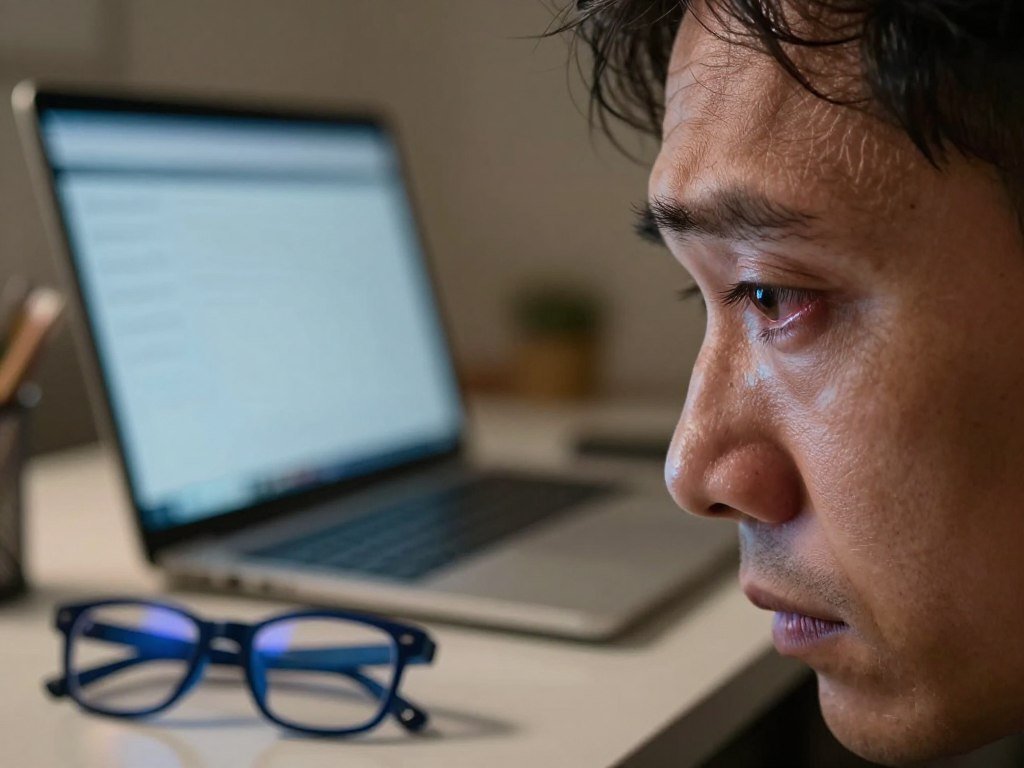
Screen fatigue is a condition characterized by eye strain and discomfort after extended screen time. It occurs due to the eyes’ constant adjustment to the glare, brightness, and blue light emitted by digital screens.
Common Symptoms of Screen Fatigue
The symptoms of screen fatigue can vary but commonly include:
- Red, watery, irritated eyes
- Tired, aching, or heavy eyelids
- Blurred vision or double vision
- Muscle spasms of the eye or eyelid
- Headaches
How Screen Fatigue Impacts Daily Life
Screen fatigue can significantly impact daily productivity and comfort. It can lead to decreased focus, headaches, and overall discomfort, affecting both work performance and leisure activities.
Understanding these effects is the first step towards mitigating them. By recognizing the causes and symptoms, individuals can take proactive steps to reduce their screen fatigue.
The Science Behind Eye Strain
As we spend more time staring at screens, understanding the science behind eye strain becomes crucial for maintaining our vision and overall well-being. The prolonged use of digital devices can lead to a range of eye-related problems, collectively known as digital eye strain or computer vision syndrome.
Digital eye strain encompasses a variety of symptoms, including dry eyes, headaches, and blurred vision. The primary cause of this condition is the way our eyes interact with digital screens. Unlike printed text, digital displays emit light, which can cause the eyes to work harder and lead to fatigue.
How Screens Affect Our Vision
Screens affect our vision in several ways. Firstly, the blue light emitted by digital devices can interfere with our natural sleep-wake cycle and cause eye strain. The constant focusing and refocusing required when viewing digital text can also lead to eye fatigue. Moreover, the glare and reflections from screens can further exacerbate the problem.
The Role of Blue Light in Eye Strain
Blue light, a high-energy visible (HEV) light with a wavelength of around 400-450 nanometers, has been implicated in eye strain. While some studies suggest that blue light blocking glasses can reduce eye strain, the scientific evidence is not conclusive. It’s essential to understand that blue light is not the sole cause of eye strain; other factors such as screen brightness, viewing distance, and individual eye health also play significant roles.
The effectiveness of blue light blocking glasses as a solution for digital eye strain relief is still a topic of debate. Some research indicates that these glasses may help reduce eye strain, while other studies have found no significant benefit. Therefore, it’s crucial to consider a comprehensive approach to reducing eye strain, including adjusting screen settings, following the 20-20-20 rule, and maintaining regular eye care.
Identifying Risk Factors for Screen Fatigue
Identifying the risk factors associated with screen fatigue can help in developing effective prevention strategies. Several factors contribute to tired eyes, including needing glasses or having an outdated prescription, excessive near eyesight work, lack of sleep, and certain medical conditions.
Being aware of these factors can help individuals take proactive steps to reduce their risk of experiencing screen fatigue. By understanding the risk factors, users can adopt eye health tips for screen users to mitigate the negative effects of prolonged screen time.
Work Environment and Setup
The work environment and setup play a significant role in contributing to screen fatigue. Factors such as improper monitor height and distance, inadequate lighting, and poor ergonomics can all contribute to eye strain.
Ensuring that the workspace is set up to promote good posture and reduce glare on the screen can help mitigate some of these risks. This includes positioning the monitor directly in front of the user, at a distance of about 20-25 inches, and at a height that allows the user to gaze slightly downward.
Screen Time Habits
Screen time management is crucial in preventing screen fatigue. Prolonged screen time without adequate breaks can lead to eye strain and fatigue.
Users should be mindful of their screen time habits, taking regular breaks to rest their eyes and engage in other activities. This can involve following the 20-20-20 rule, which recommends looking away from the screen every 20 minutes to focus on something 20 feet away for 20 seconds.
Vision Health History
An individual’s vision health history can also impact their likelihood of experiencing screen fatigue. Pre-existing vision problems, such as myopia or hyperopia, can increase the risk of eye strain when using digital screens.
Regular eye exams are essential for identifying any underlying vision issues and ensuring that any necessary corrective measures are taken. By addressing vision problems, individuals can reduce their risk of experiencing screen fatigue and promote overall eye health.
Proactive Tips for Reducing Screen Time
Proactive screen time management is key to alleviating eye strain and promoting overall well-being. By implementing a few simple strategies, individuals can significantly reduce their risk of screen fatigue.
Setting Screen Time Limits
One effective way to manage screen time is by setting limits on continuous screen use. This can involve setting a timer or using apps that track and limit screen time. Establishing screen-free zones in the home, such as the bedroom or dining area, can also help.
- Set a daily screen time limit and stick to it.
- Use apps or software to monitor and control screen time.
- Designate screen-free areas in the home.
Engaging in Non-Screen Activities
Engaging in activities that don’t involve screens can help reduce eye strain and promote relaxation. Some examples include:
- Reading a book or magazine.
- Engaging in outdoor activities or sports.
- Practicing yoga or meditation.
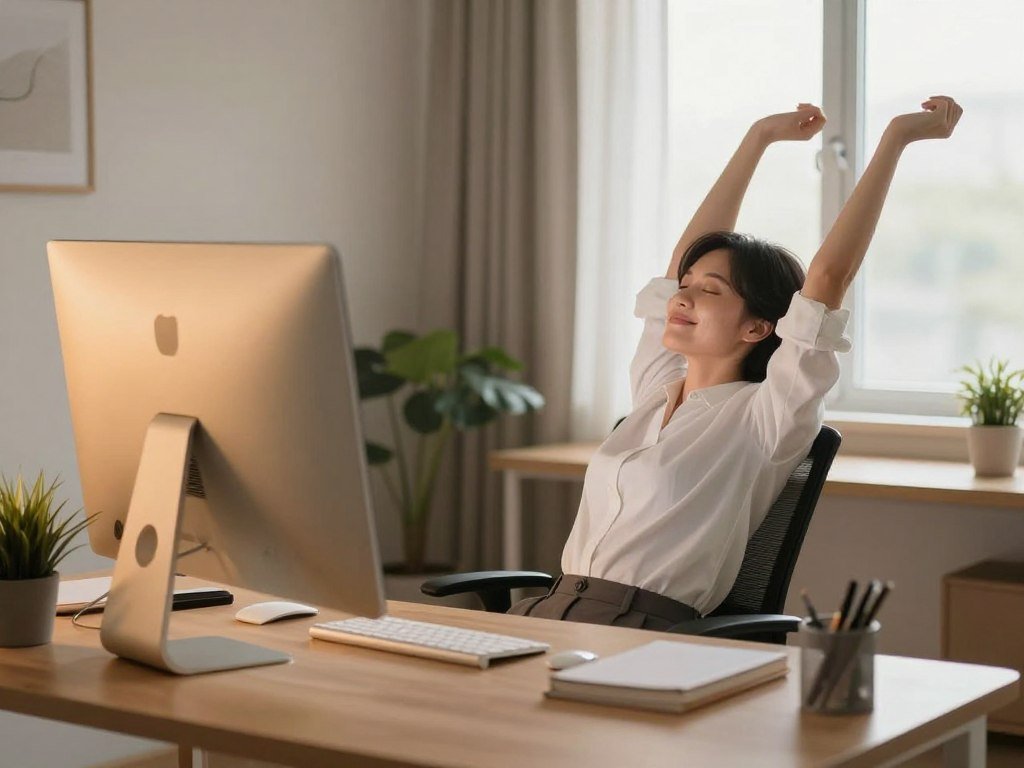
By incorporating these tips into daily life, individuals can reduce their screen time, alleviate eye strain, and improve their overall eye health.
Ergonomic Solutions for Screen Use
Creating an ergonomic workspace is essential for reducing eye strain and improving overall comfort during screen time. By making a few simple adjustments to your workstation, you can significantly alleviate the risks associated with prolonged screen use.
Proper Monitor Height and Distance
Adjusting the height and distance of your monitor is crucial for minimizing eye strain. The top of the monitor should be at eye level or slightly below, and the screen should be at a comfortable distance, typically between 20-25 inches away from your eyes.
To achieve the optimal viewing position, consider the following guidelines:
- Position the monitor directly in front of you, at a distance of about 20-25 inches.
- Adjust the monitor height so that the top of the screen is at eye level or slightly below.
- Tilt the monitor backward by 10-20 degrees to reduce glare.
Choosing the Right Chair and Desk
A well-designed chair and desk can also play a significant role in reducing eye strain and improving overall comfort. When selecting a chair and desk, consider the following factors:
| Feature | Ideal Characteristics |
|---|---|
| Chair Height | Adjustable height to allow feet to rest flat on the floor or on a footrest |
| Chair Backrest | Lumbar support to maintain the natural curve of the lower back |
| Desk Height | Adjustable height to allow elbows to be at a 90-degree angle while typing |
| Desk Space | Sufficient space to accommodate a monitor, keyboard, and other necessary items |
By choosing a chair and desk that meet these criteria, you can create a comfortable and ergonomic workspace that reduces the risk of eye strain and promotes overall well-being.
Regular Eye Care Practices
Maintaining regular eye care practices is crucial for overall eye health, especially in today’s digital age. With the increasing amount of time spent on screens, our eyes are under more strain than ever before. Regular eye care can help mitigate the negative effects of prolonged screen time.
Preventive care is key to maintaining healthy vision and reducing the risk of eye strain. This involves not just corrective measures but also practices that promote eye health.
Scheduling Eye Exams
One of the most critical aspects of eye care is scheduling regular eye exams. These exams allow eye care professionals to assess the health of your eyes, detect any potential issues early, and provide corrective measures if necessary. Regular eye exams can help identify problems before symptoms become apparent, ensuring that your eyes remain healthy.
It’s recommended to have an eye exam at least once a year, or as advised by your eye care professional. During these exams, your eyes will be checked for vision problems, and the overall health of your eyes will be assessed.
Eye Exercises for Relaxation
In addition to regular eye exams, incorporating eye exercises into your daily routine can help relax your eyes and reduce strain. Simple exercises like rolling your eyes, focusing on a point and then shifting your gaze to another point, or simply closing your eyes for a few minutes can be beneficial.
Eye exercises can be done anywhere, whether you’re at work or home, making them a convenient way to give your eyes a break. Regular practice can lead to reduced eye fatigue and improved eye health.
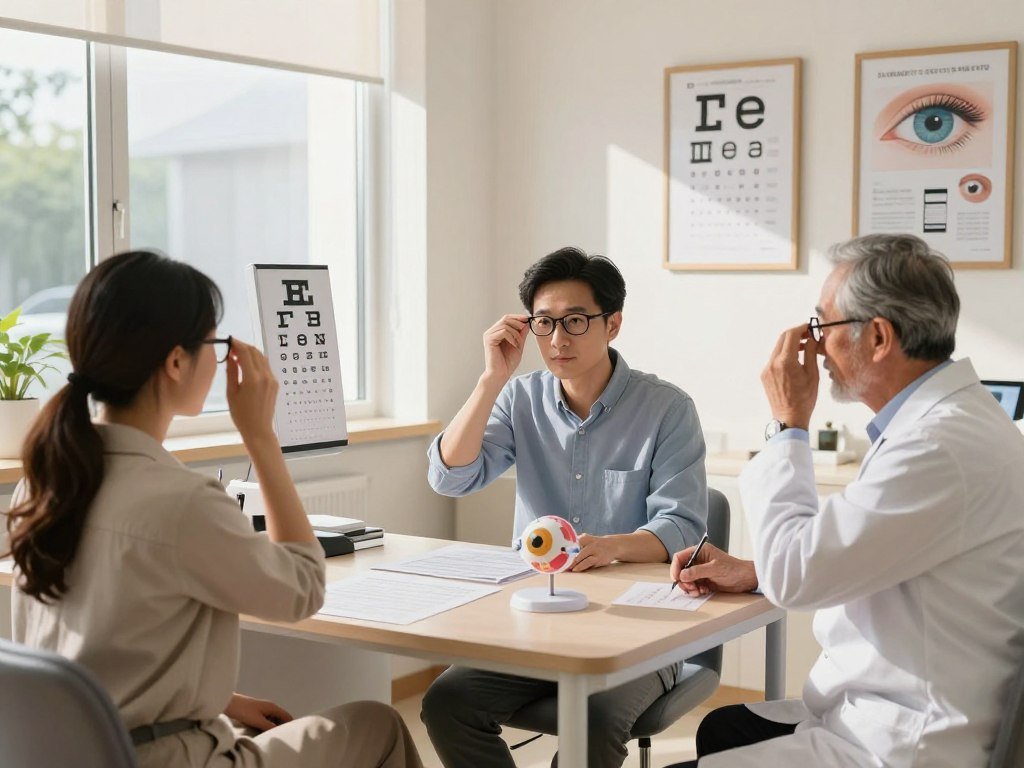
By combining regular eye exams with simple eye exercises, you can significantly improve your eye health and reduce the discomfort associated with screen fatigue.
Implementing the 20-20-20 Rule
One effective method for mitigating the adverse effects of prolonged screen time is by implementing the 20-20-20 rule. This simple technique is designed to reduce eye strain and promote eye health.
How to Use the 20-20-20 Technique
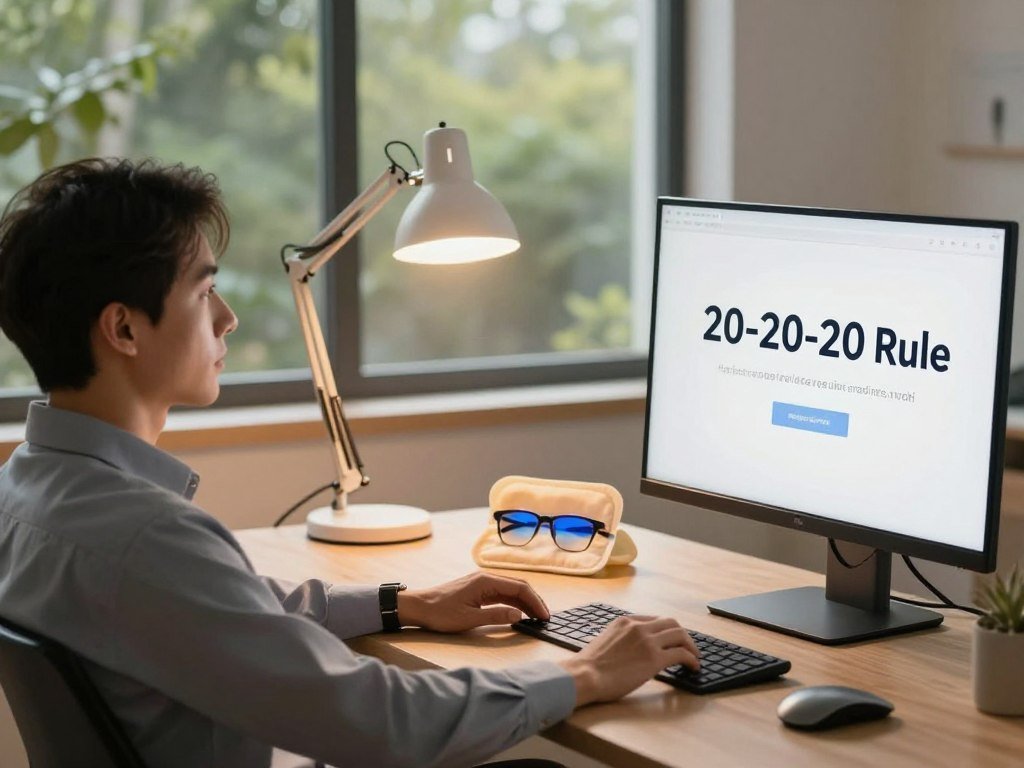
The 20-20-20 rule is straightforward: every 20 minutes, look away from your screen and focus on something 20 feet away for 20 seconds. This practice helps in relaxing the eye muscles and reducing fatigue. To effectively implement this rule, it’s essential to be mindful of your screen time and take breaks at regular intervals.
To make this habit stick, you can use reminders or alarms on your phone or computer. There are also various apps available that can help you track your screen time and remind you to take breaks.
Benefits of Regular Breaks
Regular breaks, as advocated by the 20-20-20 rule, offer numerous benefits for eye health and overall well-being. By giving your eyes a chance to rest, you can significantly reduce the risk of developing eye strain and its associated symptoms, such as dry eyes, headaches, and blurred vision.
| Benefit | Description |
|---|---|
| Reduced Eye Strain | Regular breaks help in minimizing the strain on the eyes caused by prolonged screen time. |
| Improved Eye Health | By giving your eyes regular rests, you contribute to maintaining better eye health. |
| Increased Productivity | Taking breaks can help you stay focused and be more productive during work hours. |
By incorporating the 20-20-20 rule into your daily routine, you can take a proactive step towards protecting your eye health and reducing the discomfort associated with screen time.
The Role of Proper Lighting
Lighting conditions in our environment can either alleviate or exacerbate eye strain caused by screens. Proper lighting is not just about illuminating the space; it’s about creating a comfortable visual environment that reduces the risk of eye fatigue.
Impact of Ambient Lighting
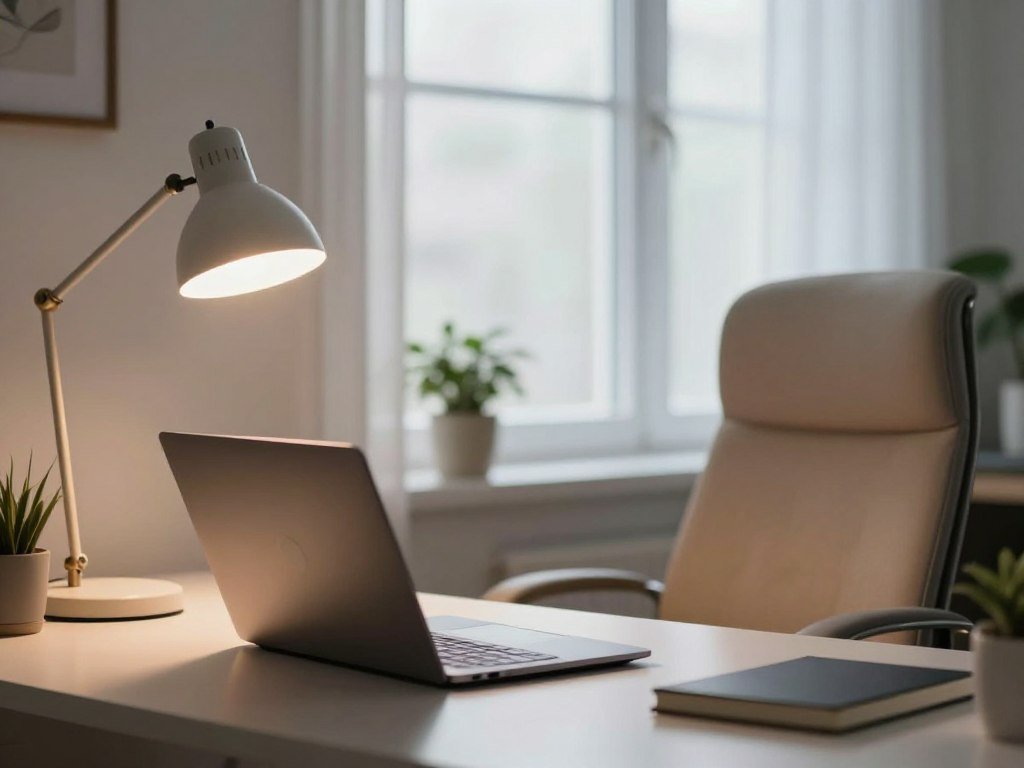
Ambient lighting refers to the overall light in a room. When the ambient lighting is too harsh or too dim compared to the brightness of the screen, it can cause eye strain. Balancing the ambient lighting with the screen’s brightness is key to reducing eye discomfort.
For instance, working in a very bright room with a dim screen can cause the eyes to strain to adjust between the two extremes. Conversely, a very dark room with a bright screen can also lead to discomfort due to the high contrast.
The Importance of Reducing Glare
Glare from screens or surrounding surfaces can significantly contribute to eye strain. Minimizing glare is crucial for comfortable screen use. This can be achieved by adjusting the position of the screen, using anti-glare screen protectors, or repositioning light sources.
Here are some tips to reduce glare:
- Position your screen at a 90-degree angle to windows or other light sources.
- Use curtains or blinds to control natural light.
- Adjust the brightness and contrast of your screen to comfortable levels.
| Lighting Condition | Effect on Eyes | Recommendation |
|---|---|---|
| Too bright ambient lighting | Increases eye strain due to high contrast with screen | Adjust curtains or blinds to reduce intensity |
| Too dim ambient lighting | Causes eye strain from adjusting to screen brightness | Increase ambient lighting to a comfortable level |
| Glare on the screen | Directly causes eye discomfort and strain | Use anti-glare protectors or adjust screen position |
By understanding the impact of ambient lighting and taking steps to reduce glare, individuals can significantly reduce eye strain associated with screen use. Implementing these simple adjustments can lead to improved eye health and comfort during prolonged screen time.
Choosing the Right Screen Filters
To combat screen fatigue, it’s essential to understand the different types of screen filters available. Screen filters, including blue light filters and anti-reflective coatings, are designed to reduce eye strain caused by prolonged screen time.
Types of Blue Light Filters
Blue light filters are designed to block or filter out the blue light emitted from digital devices. There are several types available:
- Blue Light Blocking Glasses: These glasses are equipped with lenses that block blue light emitted from screens, reducing eye strain.
- Screen Protectors: Many screen protectors now come with blue light filtering capabilities, offering an alternative to glasses.
- Software Solutions: Some devices and apps offer blue light filtering software that adjusts the screen’s color temperature to reduce blue light emission.
Benefits of Anti-Reflective Coatings
Anti-reflective coatings are another effective way to reduce eye strain. These coatings minimize glare from screens, making it easier to view content for extended periods.
The benefits of anti-reflective coatings include:
- Reduced glare and reflections
- Improved screen visibility, especially in bright environments
- Enhanced overall viewing comfort
By understanding and utilizing these screen filters, individuals can significantly alleviate digital eye strain and promote eye health.
Nutrition and Eye Health
A well-balanced diet plays a crucial role in maintaining eye health and reducing the risk of eye problems associated with screen time. Consuming the right foods can provide essential nutrients that support vision and overall eye well-being.
Eating a variety of foods rich in vitamins and minerals is vital for maintaining healthy eyes. Foods high in antioxidants, such as leafy greens like spinach and kale, can help protect your eyes against damage. Omega-3 fatty acids, found in fish like salmon and sardines, also support eye health by reducing inflammation.
Foods that Support Vision
Including certain foods in your diet can significantly benefit your eye health. Some of the most beneficial foods include:
- Carrots, which are rich in vitamin A, essential for good vision
- Nuts and seeds, such as almonds and sunflower seeds, which are high in vitamin E
- Citrus fruits and berries, which are rich in vitamin C

Supplements for Eye Health
In addition to a healthy diet, certain supplements can support eye health. Omega-3 fatty acid supplements can be beneficial for those who do not consume enough through their diet. Vitamins A, C, and E, along with minerals like zinc, are also important for maintaining healthy vision.
It’s essential to consult with a healthcare professional before adding any supplements to your diet to ensure they are necessary and safe for you.
Technology Solutions for Eye Relief
In today’s digital age, technology solutions play a crucial role in alleviating eye strain caused by prolonged screen time. As we continue to spend more hours in front of our screens, it’s essential to leverage these solutions to protect our eye health.
Several technology solutions have been developed to address the issue of eye strain. These include apps that reduce blue light exposure and adjustable screen settings, both of which can significantly contribute to a more comfortable viewing experience.
Apps that Reduce Blue Light Exposure
Blue light blocking apps are designed to filter out the harsh blue light emitted by digital devices, which is a significant contributor to eye strain. Some popular apps include:
- Iris: Adjusts the screen’s color temperature to reduce blue light emission.
- f.lux: Automatically adjusts the screen’s brightness and color based on the time of day.
- Twilight: Offers customizable settings to reduce blue light exposure, especially during evening hours.
These apps can be easily installed on various devices, providing a simple and effective way to reduce eye strain.
Adjustable Screen Settings
Most modern devices come with built-in features that allow users to adjust screen settings for better eye comfort. Some of these features include:
| Feature | Description | Benefit |
|---|---|---|
| Night Mode | Reduces blue light emission by changing the screen’s color temperature. | Decreases eye strain during evening use. |
| Brightness Adjustment | Allows users to adjust the screen brightness to a comfortable level. | Reduces eye strain caused by overly bright or dim screens. |
| Auto-Brightness | Automatically adjusts screen brightness based on ambient light. | Ensures optimal screen brightness in various lighting conditions. |
By utilizing these adjustable screen settings, users can create a more eye-friendly environment, reducing the risk of eye strain.
As Dr. John Hovanesian, a spokesperson for the American Academy of Ophthalmology, notes, “Using technology to our advantage, such as blue light filtering glasses or apps, can help reduce eye strain.” This expert opinion underscores the importance of leveraging technology solutions for eye relief.
“The key to reducing eye strain is to create a comfortable viewing experience. This can be achieved by combining good screen habits with the right technology solutions.”
Creating a Restorative Screen Routine
To reduce eye strain and promote overall eye health, establishing a restorative screen routine is essential. This involves creating a balance between screen time and relaxation techniques.
Establishing a Wind-Down Period
Setting aside time to unwind before bed is crucial. This wind-down period can include activities such as reading, meditation, or eye exercises for screen fatigue. By doing so, individuals can signal to their eyes and brain that it’s time to relax, reducing eye strain.
Incorporating Relaxation Techniques
Relaxation techniques, such as deep breathing or yoga, can also play a significant role in a restorative screen routine. These practices help reduce overall stress, which can contribute to eye strain. By combining these techniques with regular breaks and proper screen setup, individuals can create a comprehensive approach to eye care.
By adopting a restorative screen routine, individuals can take proactive steps towards reducing eye strain and promoting long-term eye health.
FAQ
What are the most common symptoms of digital eye strain I should look out for?
Do blue light blocking glasses from brands like Felix Gray or Zenni Optical actually provide relief?
How can I effectively practice screen time management during a busy workday?
What is the best ergonomic setup to prevent screen fatigue?
Are there specific eye exercises for screen fatigue that I can do at my desk?
How does the 20-20-20 rule work for eye strain prevention?
What lighting adjustments can help reduce eye strain in a home office?
Which nutrition and eye health tips for screen users are most effective?
Are there apps that can help provide digital eye strain relief automatically?
Why is a “wind-down period” important for eye health?

SmartLivingJournal
Prabir Dutta is a passionate digital creator, affiliate marketer, and wellness enthusiast who simplifies complex topics like AI tools, Vastu, pet care, and modern living. With a keen eye for SEO, tech trends, and everyday health solutions, he writes to empower readers with actionable, smart-living insights. When not curating content across his network of niche blogs, Prabir enjoys exploring new digital tools that make life easier and more efficient.
Keep exploring Smart Living Journal
Discover more practical ideas on wellness, home living, plants, pets, routines, and smarter everyday upgrades.