
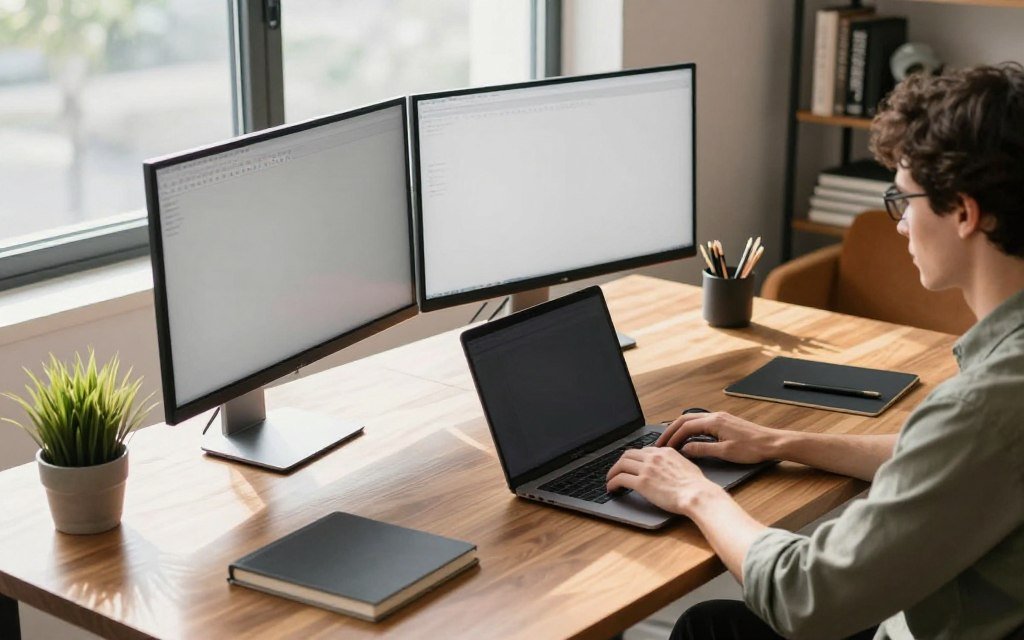
Did you know employees often spend four hours every week just searching through physical documents? This staggering loss of time creates unnecessary stress and quickly kills mental focus before morning ends. It remains hidden drain on many professionals across the country.
According to Minimalist Setup experts, messy surfaces usually lead to messy minds. When people finally organize this zone, they clear mental fog that often blocks creativity. Clean spaces allow people to think more clearly and handle tasks with much greater speed.
We want to help people achieve peak efficiency with simple changes. This guide shares smart tips to improve this workstation and keep items where they belong. By creating intentional environments, people feel more energized and ready to tackle challenges.
Key Takeaways
- Organize clutter to reduce mental fatigue.
- Improve focus by keeping tools within reach.
- Boost efficiency with better workstation layouts.
- Use specific products to maintain clean zones.
- Enhance daily motivation through intentional setups.
1. Assess Your Current Workspace and Set Upgrade Goals
Assessing your current workspace is the first step towards creating a more productive desk setup. To do this effectively, you need to evaluate various aspects of your workspace.
Identify What’s Working and What’s Not
Start by identifying the elements of your workspace that are functioning well and those that are not. Consider factors such as comfort, accessibility, and aesthetics. Make a mental or written note of the aspects that need improvement.
For instance, you might find that your current chair is uncomfortable or that your desk is too cluttered. Identifying these issues will help you prioritize your upgrades.
Measure Your Available Space
Measure the dimensions of your workspace to determine what upgrades are feasible. Consider the size of your desk, the height of your chair, and the distance between your monitor and keyboard.
Having these measurements will help you choose upgrades that fit your space. For example, if you have a small desk, you might need to opt for compact storage solutions.
Determine Your Budget for Upgrades
Decide how much you are willing to spend on upgrading your workspace. This will help you narrow down your options and make decisions that fit within your financial constraints.
Consider allocating your budget to the most essential upgrades, such as a new chair or improved lighting.
List Your Must-Have Features
Create a list of the features that are essential to your ideal workspace. This might include ergonomic furniture, cable management systems, or additional storage.
Prioritize these features based on your needs and budget. Here is a sample table to help you organize your thoughts:
| Must-Have Feature | Priority Level | Budget Allocation |
|---|---|---|
| Ergonomic Chair | High | $200 |
| Cable Management System | Medium | $50 |
| Additional Storage | Low | $100 |
By following these steps, you can create a clear plan for upgrading your workspace and maximize your desk space effectively.
2. Create an Ergonomic Foundation for All-Day Comfort
A well-designed ergonomic workspace can significantly boost your productivity. Creating an ergonomic foundation is crucial for all-day comfort and involves several key components.
Select an Ergonomic Office Chair
Choosing the right office chair is fundamental. According to recent studies, if you’re going to spend 8+ hours sitting in front of a screen, you need a great chair that makes you feel comfortable and doesn’t leave you tired at the end of the day. Look for a chair with adjustable height, lumbar support, and breathable fabric.
Set Up Your Monitor at the Proper Height
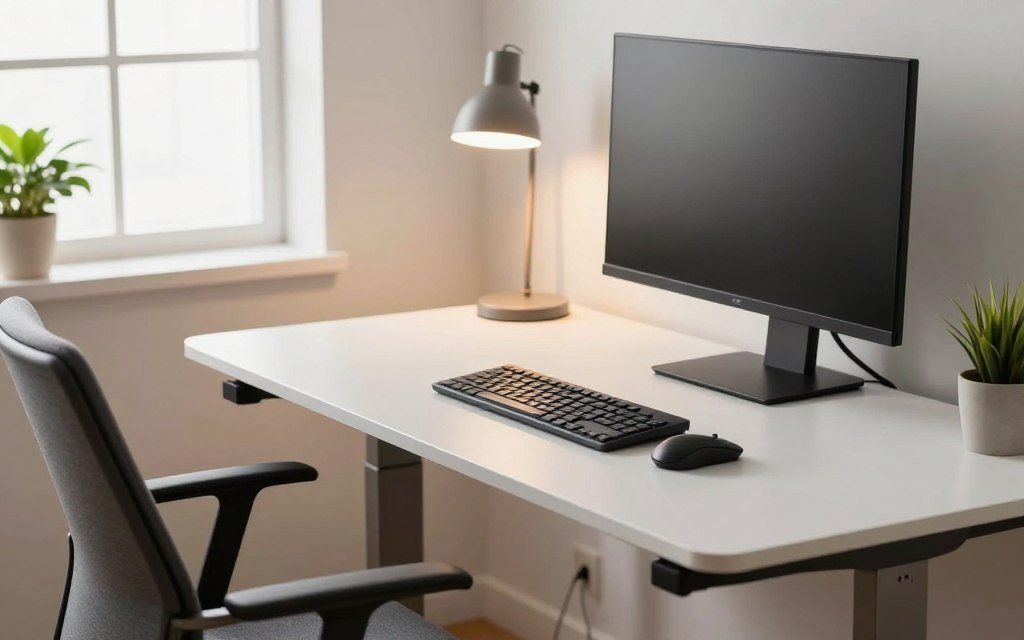
Proper monitor placement is essential for reducing eye strain. The top of the monitor should be at eye level or slightly below, and it should be at a distance of about 20-25 inches from your eyes.
Position Your Keyboard and Mouse Ergonomically
Your keyboard and mouse should be positioned to allow your wrists to remain straight and your arms to be at a 90-degree angle. Consider using an ergonomic keyboard and mouse to reduce the risk of repetitive strain injuries.
Consider Standing Desk Options
Standing desks are a great option for those who want to alternate between sitting and standing throughout the day. They can help improve posture and reduce the risk of chronic diseases associated with prolonged sitting.
| Feature | Basic Chair | Ergonomic Chair |
|---|---|---|
| Adjustable Height | No | Yes |
| Lumbar Support | No | Yes |
| Breathable Fabric | No | Yes |
3. Declutter Your Workstation for Mental Clarity
Decluttering your desk is a straightforward way to boost your mental clarity and work efficiency. A cluttered workspace can lead to distractions, making it challenging to focus on tasks. By organizing your workstation, you can significantly improve your productivity.
Remove Everything from Your Desk Surface
Start by clearing off everything from your desk surface. This initial step gives you a clean slate to work with. Remove all items, including papers, office supplies, and personal items.
Sort Items into Keep, Relocate, and Discard Categories
Once everything is off your desk, sort the items into three categories: keep, relocate, and discard. Be honest with yourself about which items are truly necessary for your work. Items that are broken, outdated, or unnecessary should be discarded.
Digitize Paper Documents When Possible
Consider digitizing paper documents to reduce clutter. Scanning important papers and saving them to your computer or cloud storage can help minimize the amount of physical paperwork on your desk.
Return Only Essential Items to Your Desk
After sorting and digitizing, return only the essential items to your desk. This might include your computer, a notebook, a pen holder, and any other necessary office supplies.
| Cluttered Workspace | Organized Workspace |
|---|---|
| Distractions and decreased focus | Improved concentration and productivity |
| Increased stress levels | Reduced stress and anxiety |
| Difficulty finding necessary documents | Easier access to important documents |
By following these steps, you can create a more organized and efficient workspace that supports your productivity and well-being.
4. Maximize Desk Space with Vertical and Hidden Storage
A well-organized desk not only boosts productivity but also starts with maximizing the available space. By utilizing vertical and hidden storage solutions, you can keep your workspace clutter-free and maintain focus on your tasks. Effective desk organization is crucial for a productive day.
Install Wall-Mounted Shelves and Pegboards
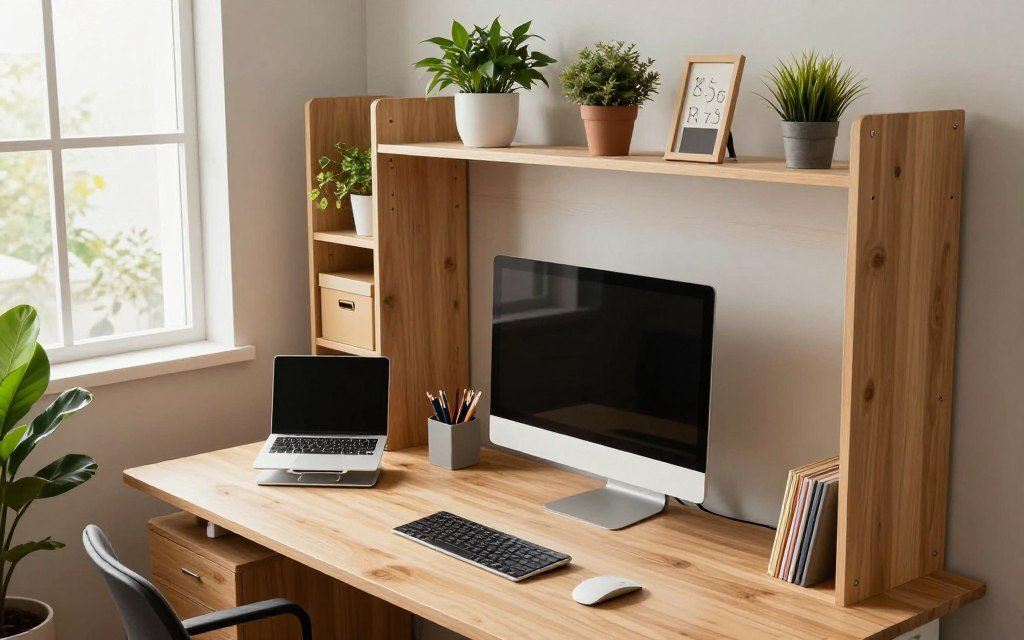
One of the most effective ways to maximize desk space is by installing wall-mounted shelves and pegboards. These allow you to keep frequently used items within easy reach while keeping your desk surface clear. According to a productivity expert, “Using wall space can significantly declutter your workspace and improve your focus.”
Use Stackable Desktop Organizers
Stackable desktop organizers are another great solution for maximizing desk space. They can be used to store papers, office supplies, and other essential items, keeping them organized and out of the way. By stacking them, you can make the most of your available desk space.
Add Rolling File Cabinets Under Your Desk
Adding rolling file cabinets under your desk provides additional storage for important documents and office supplies. This not only keeps your desk clear but also makes it easy to access what you need. As noted by an office organization specialist, “Under-desk storage is a game-changer for maintaining a clutter-free workspace.”
Utilize Monitor Stands with Built-In Storage
Monitor stands with built-in storage are a clever way to maximize desk space. They can hold your monitor at the perfect height while providing storage for papers, pens, and other office essentials. This helps to keep your workspace organized and efficient.
| Storage Solution | Benefits |
|---|---|
| Wall-Mounted Shelves and Pegboards | Keeps frequently used items within reach, declutters desk surface |
| Stackable Desktop Organizers | Stores papers, office supplies, and essentials, maximizes desk space |
| Rolling File Cabinets | Provides under-desk storage, easy access to documents and supplies |
| Monitor Stands with Built-In Storage | Optimizes monitor height, stores office essentials |
By implementing these strategies, you can effectively maximize your desk space and maintain a clutter-free, productive workspace. Remember, a well-organized desk is key to staying focused and achieving your daily goals.
5. Upgrade Your Desk for a Productive Day with the Right Accessories
Upgrading your desk with the best accessories is a surefire way to boost your productivity. The right accessories can transform your workspace into a comfortable and efficient area that fosters creativity and focus.
Invest in Quality Desk Lighting
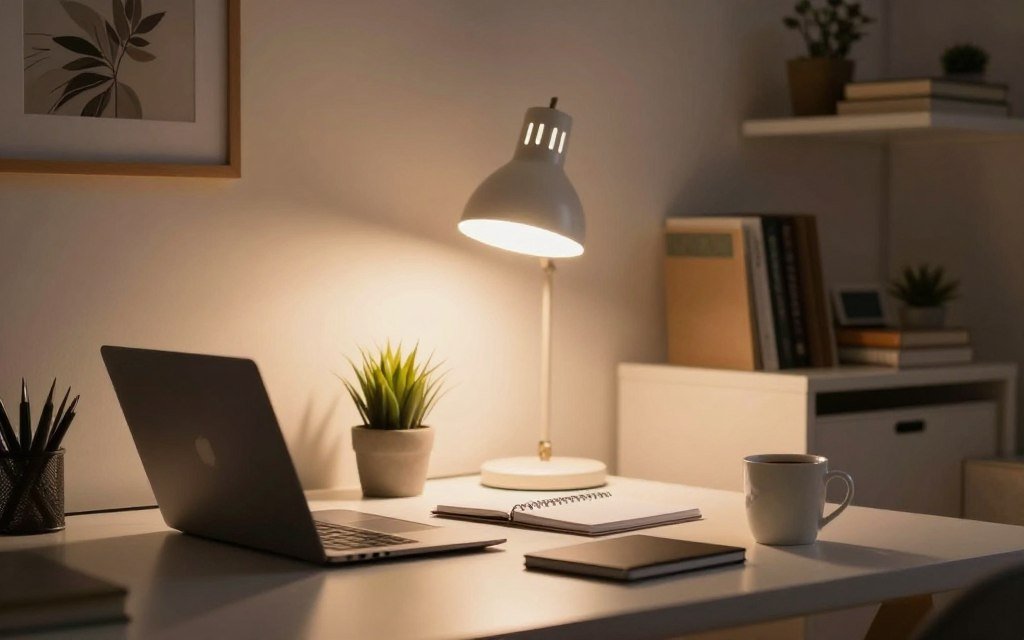
Proper lighting is essential for reducing eye strain and improving visibility. Consider investing in a high-quality desk lamp that provides adequate lighting for your tasks. According to recent studies, having an extra light source on or above your desk can significantly enhance your work experience and aesthetic appeal.
Add Desktop Organizers and Caddies
Desktop organizers and caddies help keep your workspace clutter-free and organized. They come in various shapes, sizes, and materials, allowing you to choose the ones that best fit your needs and style.
Install a Cable Management System
A cable management system is crucial for maintaining a tidy and organized workspace. It helps keep your cables and wires organized, reducing the risk of damage and improving the overall aesthetic of your desk.
Choose the Perfect Desk Pad or Mat
A desk pad or mat can protect your desk surface from scratches and spills while providing a comfortable writing or working area. Choose one that complements your workspace and meets your functional needs.
| Accessory | Benefits | Considerations |
|---|---|---|
| Quality Desk Lighting | Reduces eye strain, improves visibility | Brightness, color temperature, adjustability |
| Desktop Organizers | Keeps workspace organized, reduces clutter | Size, material, design |
| Cable Management System | Maintains a tidy workspace, reduces cable damage | Type of cables, ease of installation |
| Desk Pad or Mat | Protects desk surface, provides comfort | Material, size, design |
By incorporating these essential accessories into your workspace, you can create a more productive, comfortable, and visually appealing work environment.
6. Optimize Your Lighting Setup to Reduce Eye Strain
To minimize eye strain and boost productivity, it’s essential to optimize your workspace lighting. A well-designed lighting setup can make a significant difference in your overall work experience.
Layer Ambient, Task, and Accent Lighting
A layered lighting approach involves combining ambient, task, and accent lighting to create a comfortable and functional workspace. Ambient lighting provides overall illumination, while task lighting focuses on specific work areas. Accent lighting adds a decorative touch and can help reduce eye strain by creating visual interest.
Choose the Right Color Temperature
The color temperature of your lighting can significantly impact your comfort and productivity. Warm white light (2700K-3000K) is often used for ambient lighting, while cool white light (3500K-5000K) is better suited for task lighting. Experiment with different color temperatures to find what works best for you.
Position Lights to Eliminate Screen Glare
Properly positioning your lights can help reduce screen glare and eye strain. Place your light sources in a way that they don’t directly shine onto your screen or cause harsh reflections.
Take Advantage of Natural Light
Whenever possible, take advantage of natural light by placing your workspace near a window. Natural light can help reduce eye strain and improve your overall mood and productivity. Consider using sheer curtains to filter the light and reduce glare.
7. Upgrade Technology and Peripherals for Efficiency
Upgrading your technology and peripherals can revolutionize your workday. By incorporating the latest and most efficient tools, you can significantly enhance your productivity and comfort while working. A well-planned upgrade can make a substantial difference in your overall work experience.
Switch to an Ergonomic Keyboard
An ergonomic keyboard is designed to reduce strain on your hands and wrists, promoting a more natural typing position. This can lead to increased comfort and reduced risk of repetitive strain injuries. Consider a mechanical keyboard, as it offers better tactile feedback and can improve typing accuracy.
Invest in a Vertical or Ergonomic Mouse
A vertical or ergonomic mouse is designed to fit comfortably in your hand, reducing strain on your wrist and forearm. This can help prevent conditions like carpal tunnel syndrome. Look for a mouse that allows you to work with your hand in a neutral position.
Add a Second Monitor for Increased Productivity
Using a second monitor can significantly boost your productivity by allowing you to multitask more effectively. You can have multiple applications open simultaneously, reducing the need to constantly switch between them. Consider an ultrawide monitor for an even more immersive experience.
Some benefits of using a second monitor include:
- Increased screen real estate
- Improved multitasking capabilities
- Enhanced overall productivity
Use a Laptop Stand for Better Viewing Angles
A laptop stand can help you achieve a more comfortable working position by elevating your laptop to eye level. This can reduce strain on your neck and improve your posture. Look for a stand that is sturdy and adjustable to suit your needs.
By implementing these upgrades, you can create a more efficient and comfortable workspace that supports your productivity and well-being. Consider the recommendations from various sources, such as using an ultrawide monitor and a mechanical keyboard, to enhance your workspace further.
8. Personalize Your Workspace for Motivation and Inspiration
Transforming your workspace into a personalized haven can significantly boost your motivation and productivity. A well-personalized workspace not only reflects your personality but also creates an environment that fosters creativity and inspiration.
Display Motivational Quotes and Artwork
Adding motivational quotes and artwork can have a profound impact on your workspace. Consider displaying quotes that resonate with your professional goals or artwork that inspires you. This can help create a positive atmosphere that motivates you to tackle daily tasks with enthusiasm.
Some popular options include:
- Vision boards
- Inspirational posters
- Artistic prints
Add Personal Photos in Stylish Frames
Personal photos can make your workspace feel more welcoming and personalized. Choose stylish frames that complement your office decor and display photos of loved ones, memorable events, or places that inspire you.
Choose Colors That Boost Your Energy
Colors can significantly affect your mood and energy levels. Select a color scheme for your workspace that is known to boost energy and productivity. For example, blue is often associated with calmness and focus, while yellow can stimulate creativity.
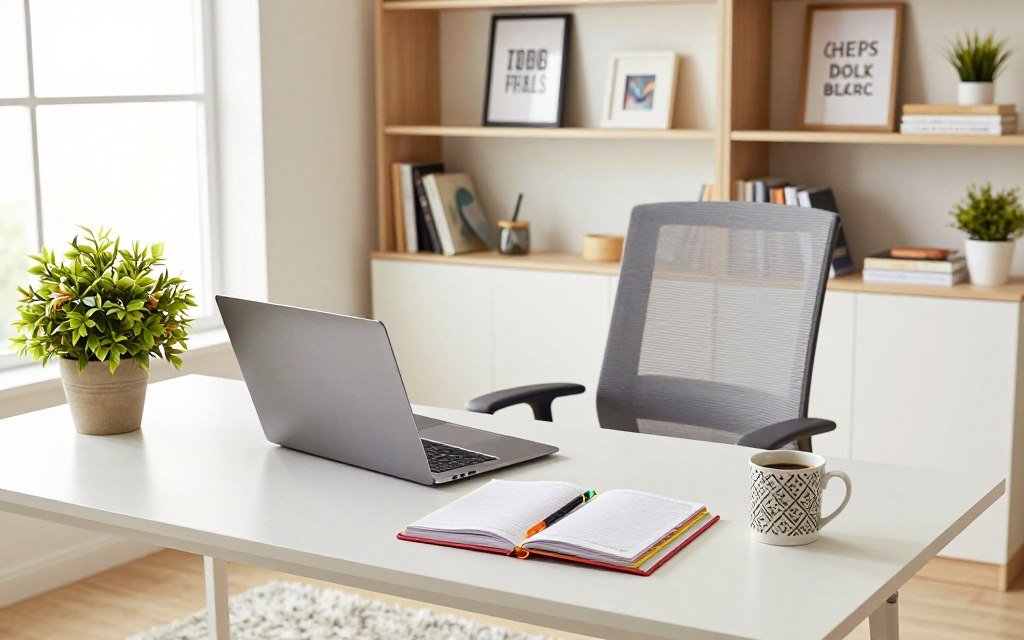
Incorporate Textured Elements
Incorporating different textures can add depth and visual interest to your workspace. Consider adding elements like a woven basket, a rug, or a wooden decorative item to create a more inviting environment.
By personalizing your workspace with these elements, you can create a motivating and inspiring environment that enhances your productivity and overall work experience.
9. Master Long-Term Desk Organization and Maintenance
Effective desk organization is not a one-time task, but an ongoing process. To maintain a productive workspace, you need to implement strategies that keep your desk clutter-free and efficient.
Create a Paper Management Workflow
Developing a paper management workflow is essential for reducing clutter. This involves sorting documents into categories, such as bills to pay, documents to file, and papers to recycle or shred. By handling each piece of paper once, you can avoid the accumulation of unnecessary documents on your desk.
- Sort documents into categories
- Handle each document immediately
- File or digitize important documents
Label Everything Clearly
Clear labeling helps maintain organization by ensuring that everything has its designated place. Use labels on file folders, storage bins, and shelves to keep your workspace organized and make it easier to find what you need.
Tips for effective labeling:
- Use clear and concise language
- Be consistent in your labeling
- Update labels as your organization system evolves
Schedule Weekly Organization Sessions
Set aside time each week to maintain your workspace. This can be as simple as 10-15 minutes a day or an hour on a specific day of the week. Use this time to tidy up, file documents, and ensure everything is in its place.
Benefits of regular organization sessions include:
- Reduced stress
- Improved productivity
- A clutter-free workspace
Follow the One In, One Out Rule
This rule is a simple yet effective way to prevent clutter from building up again. For every new item you bring into your workspace, remove or dispose of an old one. This maintains a balance and prevents accumulation.
By implementing these strategies, you can maintain a well-organized and clutter-free workspace, enhancing your productivity and reducing stress.
10. Conclusion
Upgrading your workspace is a crucial step in boosting your productivity and overall work experience. By implementing the tips outlined in this article, you can create a comfortable and efficient workspace that fosters success.
A minimal desk setup, as suggested by recent studies, can significantly improve your productivity while working. By decluttering your workstation and incorporating ergonomic elements, you can enhance your focus and reduce distractions.
To maintain a productive workspace, regularly assess your desk setup and make adjustments as needed. This will help you stay organized, motivated, and inspired to tackle your daily tasks with ease. By prioritizing your workspace productivity, you can upgrade your desk for a productive day and achieve your goals.
FAQ
What are the best desk organization tips for a small home office?
How can I implement desk makeover ideas on a budget?
What are the most important home office essentials for ergonomics?
How does a decluttered workstation affect mental focus?
What are the best desk accessories to improve daily workflow?
🌐 Explore the Smart Digital Network
A connected ecosystem of innovative platforms — empowering your journey through Smart Living, AI Automation, Wellness, Reviews, and Digital Learning. Discover more from our network below 👇




Part of the Smart Digital Network © 2025 — Explore, Learn & Grow Smarter 💡

Prabir Dutta
Prabir Dutta is a passionate digital creator, affiliate marketer, and wellness enthusiast who simplifies complex topics like AI tools, Vastu, pet care, and modern living. With a keen eye for SEO, tech trends, and everyday health solutions, he writes to empower readers with actionable, smart-living insights. When not curating content across his network of niche blogs, Prabir enjoys exploring new digital tools that make life easier and more efficient.







 SuperFreeTools

 SmartAIEarn

 SmartWellnessBeauty


 TrendsOfReview