
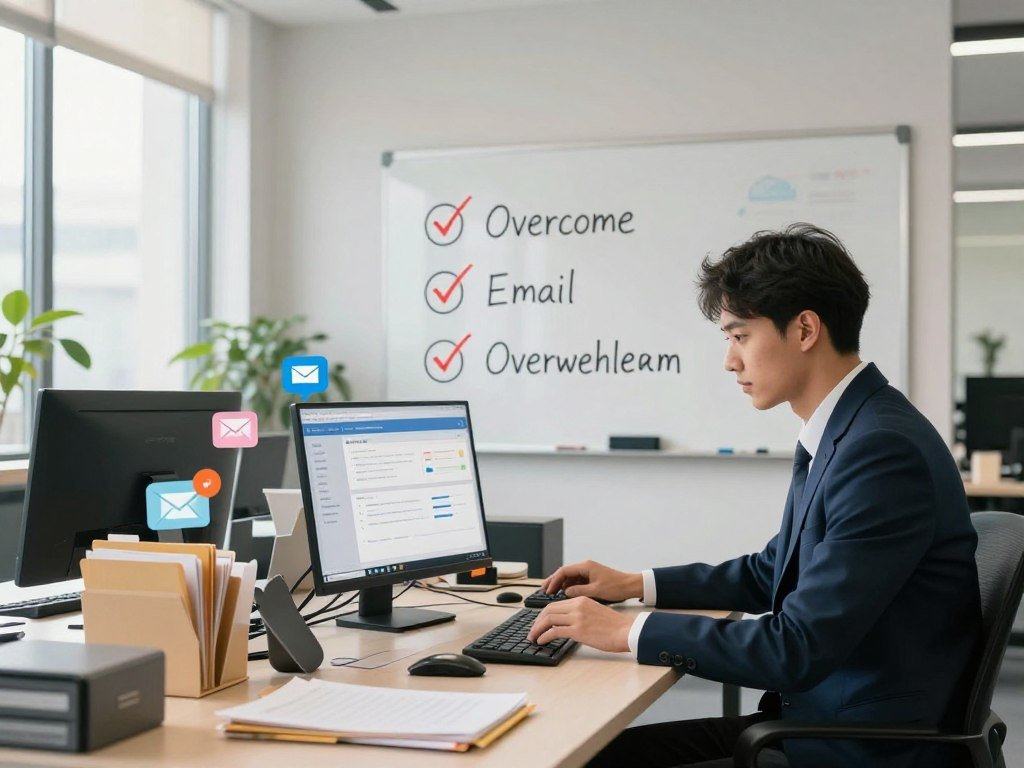
Did you know that the average professional spends nearly 28% of their work week managing their inbox? This constant stream of notifications creates a cycle of digital anxiety that drains your mental energy before you even start your actual work.
Many people feel trapped by their unread messages, leading to a sense of constant urgency. You are not alone in this struggle, as modern communication tools often demand more attention than we can give.
Fortunately, you can regain control of your digital life. By implementing 3 steps to beat email overwhelm fast, you will transform your relationship with your inbox. These science-backed methods help you streamline communication and reclaim your time for high-impact projects.
Key Takeaways
- Understand the psychological triggers behind inbox anxiety.
- Learn how to prioritize incoming messages effectively.
- Discover techniques to reduce the time spent on routine replies.
- Implement a system that protects your focus during the day.
- Reclaim your schedule by setting clear communication boundaries.
Understanding the Psychology of Inbox Anxiety
The modern inbox has become a source of genuine psychological strain for many professionals. While we often view email as a simple tool for work, it frequently functions as a constant demand on our limited mental energy. Recognizing this reality is the first step toward regaining control over your day.
Why We Feel Overwhelmed by Digital Communication
Research indicates that the average professional spends 28% of the workday reading and answering emails. This massive time investment creates a cycle of dependency where we feel we must be available at all times. When we fail to meet this self-imposed expectation, we often experience a sense of failure.
Effective email management tips can help break this cycle. By acknowledging that your inbox is a tool rather than a master, you can begin to shift your perspective. This mental adjustment is essential for anyone looking to reclaim their focus.
The Hidden Cost of Constant Email Checking
The habit of checking your inbox every few minutes leads to significant cognitive fragmentation. Every time you switch tasks to read a new message, your brain loses momentum. This constant state of partial attention makes it difficult to reduce inbox stress and complete deep, meaningful work.
Furthermore, the anticipation of new messages keeps the nervous system in a state of high alert. This creates a persistent background anxiety that drains your energy long before the workday ends. Learning to overcome email anxiety requires setting firm boundaries around when and how you engage with your digital correspondence.
| Habit Type | Impact on Focus | Stress Level |
|---|---|---|
| Reactive Checking | High Fragmentation | Elevated |
| Batch Processing | Deep Concentration | Managed |
| Constant Notifications | Constant Distraction | High |
Step One: Implementing a Triage System for Incoming Messages
If your inbox feels like a bottomless pit, it is time to implement a structured triage system. By treating every incoming message as a decision point, you can stop the cycle of endless scrolling. These email management tips help you process information with greater speed and clarity.
When you reach a point where catching up seems impossible, some professionals choose email bankruptcy. This involves archiving or deleting everything in your inbox to start fresh. While drastic, it serves as a powerful reset button for your digital life.
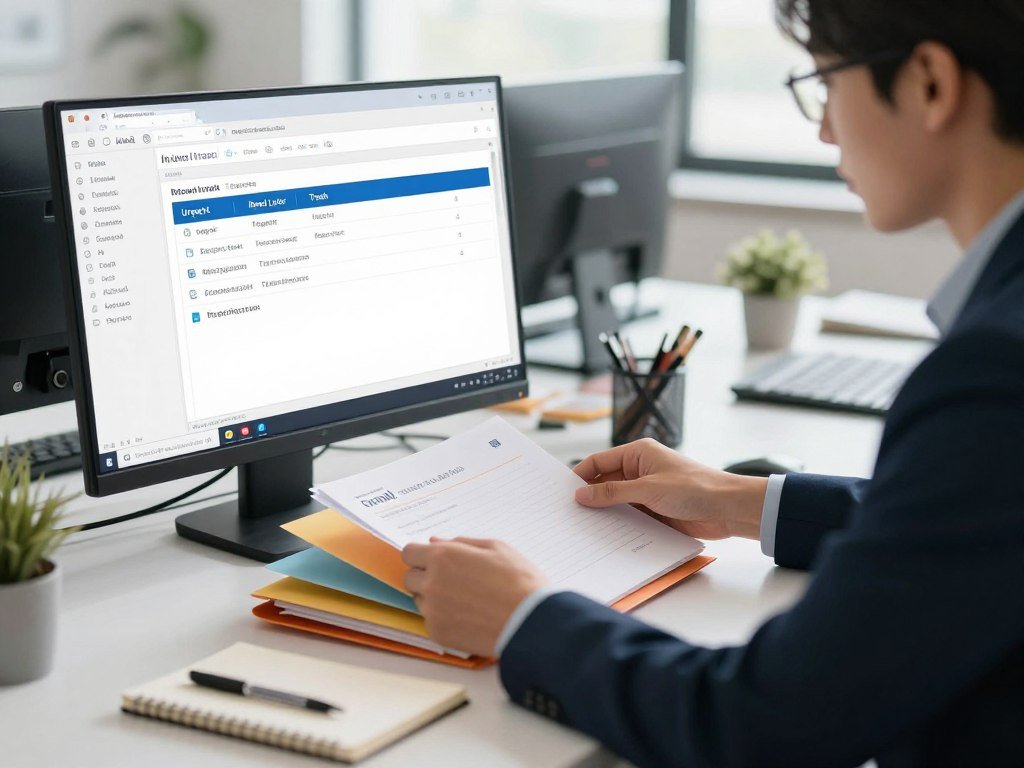
The Four D Method: Delete, Delegate, Defer, and Do
To master efficient email handling, you must categorize every message immediately. The Four D method provides a simple framework to keep your inbox lean and manageable.
- Delete: If the email is irrelevant or junk, remove it instantly.
- Delegate: Forward tasks that someone else on your team is better equipped to handle.
- Defer: If a task requires more than a few minutes, move it to a specific folder or task manager for later.
- Do: If you can finish the request in under two minutes, complete it right away.
Setting Up Automated Filters to Reduce Clutter
You do not have to manually sort every single message that arrives. Setting up automated filters is a smart way to organize email workflow and keep your focus on what matters most.
Start by creating rules that divert newsletters, notifications, and low-priority updates into dedicated folders. This ensures that your primary inbox remains reserved for critical communications that require your immediate attention. By automating the sorting process, you save valuable mental energy for high-impact work.
Step Two: Mastering Batch Processing Techniques
Transforming your workflow requires a shift toward intentional, time-blocked communication. Many professionals find that they are constantly interrupted by notifications, which prevents them from doing their best work. By using productivity hacks for email, you can regain control over your schedule and finally conquer email overload.
The Science Behind Time-Blocking Your Inbox
Research highlights the hidden cost of constant task-switching. A 2008 study led by Gloria Marks found that quiet, uninterrupted time provides exponential productivity gains for stressed employees. When you block out specific periods for deep work, you protect your brain from the mental fatigue caused by frequent context switching.
Establishing Specific Windows for Email Management
Instead of keeping your inbox open all day, try scheduling three distinct windows for processing messages. You might choose to check your inbox first thing in the morning, after lunch, and shortly before you finish your workday. This structured approach ensures that you stay responsive without sacrificing your ability to focus on high-priority projects.
Avoiding the Trap of Reactive Communication
The urge to reply to every notification immediately is a common habit that fuels stress. By choosing to ignore your inbox during your deep work blocks, you effectively conquer email overload. Remember that most messages do not require an instant response. Implementing these productivity hacks for email will help you build a healthier relationship with your digital tools and improve your overall output.
Step Three: Optimizing Your Response Workflow
Improving your response workflow is a game-changer for anyone feeling buried under a mountain of emails. By refining how you construct your replies, you can maintain high productivity without sacrificing the quality of your professional connections. Taking control of your communication style is the best way to organize email workflow effectively.
Utilizing Templates and Canned Responses
Many of the messages we send daily are repetitive, covering the same questions or updates. Using templates or canned responses allows you to handle these inquiries in seconds rather than minutes. This approach is a cornerstone of efficient email handling, as it removes the need to type the same information repeatedly.
“Simplicity is the ultimate sophistication.”
Most modern email platforms offer built-in features to save these drafts. By creating a library of standard responses, you ensure consistency while drastically reducing your daily typing load.
Writing Concise Emails to Save Time
Brevity is often the key to better engagement and faster resolution of tasks. Research shows that emails containing 75–100 words achieve the highest response rate at 51 percent. When you keep your messages short, you respect the recipient’s time and encourage them to reply more quickly.
Focus on getting straight to the point to organize email workflow for both you and your team. Clear, direct communication prevents misunderstandings and keeps projects moving forward. Embracing efficient email handling through concise writing will help you clear your inbox with much less stress.
Essential Tools to Support Your Email Productivity Strategies
Managing a busy inbox requires more than just willpower; it demands the right set of digital tools. By integrating smart software into your daily routine, you can discover effective productivity hacks for email that save you hours each week. These solutions help you regain control over your digital workspace.
Leveraging AI-Powered Email Assistants
Artificial intelligence has changed how we interact with our messages. Modern AI assistants can automatically categorize incoming mail, prioritize urgent items, and even draft responses based on your writing style. This technology allows you to focus on meaningful work rather than manual sorting.
For internal communication, tools like SnapComms provide a powerful alternative to traditional email. By using desktop and video alerts, teams can ensure that critical information is seen immediately without cluttering the inbox. This approach is a game-changer for busy organizations.
Using Browser Extensions for Scheduling and Tracking
Browser extensions act as a bridge between your browser and your email client. They allow you to schedule messages to be sent at the perfect time, ensuring your outreach lands when the recipient is most likely to read it. You can also track when your emails are opened, which helps you manage follow-ups with precision.
The Benefits of Minimalist Email Clients
Sometimes, the best way to improve your workflow is to remove unnecessary features. Minimalist email clients strip away the bloat, leaving you with a clean interface that promotes focus. These tools are essential for anyone looking to refine their email productivity strategies and avoid the trap of constant distraction.
| Tool Category | Primary Benefit | Best For |
|---|---|---|
| AI Assistants | Automation | Sorting and Drafting |
| Browser Extensions | Scheduling | Tracking and Timing |
| Minimalist Clients | Focus | Reducing Clutter |
| Alert Platforms | Urgency | Internal Updates |
Overcoming Common Obstacles to Inbox Zero
Many professionals find that the path to an empty inbox is blocked by invisible walls of habit and expectation. While technical systems are helpful, you must also address the psychological barriers that keep you tethered to your screen. By identifying these hurdles, you can effectively reduce inbox stress and regain control over your workday.

Dealing with the Fear of Missing Out
Individuals who score high in the conscientiousness trait often feel an intense pressure to respond to every message immediately. This internal drive can lead to a persistent fear of missing out on critical updates or opportunities. You might feel that delaying a reply is a sign of unprofessionalism, even when it is not.
To overcome email anxiety, you must recognize that constant availability is not the same as high performance. Remind yourself that your value is defined by the quality of your work, not the speed of your reply. Shifting your focus from “being available” to “being productive” is a vital step in your journey.
Managing Expectations with Colleagues and Clients
Clear communication is your best tool for setting boundaries with those you work with. If you have established a habit of instant replies, your colleagues may naturally expect that pace to continue. You can reset these expectations by being transparent about your new workflow.
Try adding a brief note to your email signature or mentioning your response window during meetings. For example, you might state that you check messages at specific times to ensure you can provide thoughtful, high-quality answers. Most people will respect your process once they understand that it helps you serve them better.
Handling the Backlog of Old Emails
Staring at a massive pile of unread messages can feel paralyzing. Instead of trying to process everything at once, use the “Archive All” strategy for anything older than one month. If an email is truly important, the sender will likely follow up with you.
For the remaining messages, commit to clearing just ten emails per day. This small, consistent effort will help you reduce inbox stress without the need for a marathon session. Remember, your goal is to build a sustainable system, not to achieve perfection overnight.
Maintaining Long-Term Email Hygiene
You can finally conquer email overload by adopting a few simple, sustainable maintenance routines. While initial organization helps, true peace of mind comes from consistent habits that prevent clutter from returning. Think of your inbox as a garden that requires regular weeding to stay healthy and productive.
The Importance of Regular Unsubscribing
One of the most effective email productivity strategies involves aggressive pruning of your subscriptions. If you have not opened a specific newsletter in the last two months, it is time to hit the unsubscribe button. These dormant emails act as digital weight, slowing down your ability to find truly important messages.
Make it a habit to audit your subscriptions once a month. You will find that removing unnecessary promotional content significantly reduces the daily volume of incoming mail. This simple act keeps your focus on what truly matters to your professional growth.
Establishing Boundaries for After-Hours Access
Protecting your personal time is essential for long-term mental clarity and performance. You should establish firm boundaries regarding when you check your inbox to prevent work-related stress from bleeding into your evening hours. Setting clear expectations with colleagues ensures that your downtime remains truly restorative.
Consider using an auto-responder or simply turning off notifications on your mobile device after a set time. By respecting your own boundaries, you teach others to value your time as well. This approach is a cornerstone of sustainable email productivity strategies that help you stay sharp and motivated.
| Habit Type | Action Taken | Result |
|---|---|---|
| Unsubscribing | Remove unused lists | Less daily clutter |
| Boundary Setting | Disable notifications | Improved work-life balance |
| Batching | Fixed time windows | Higher focus levels |
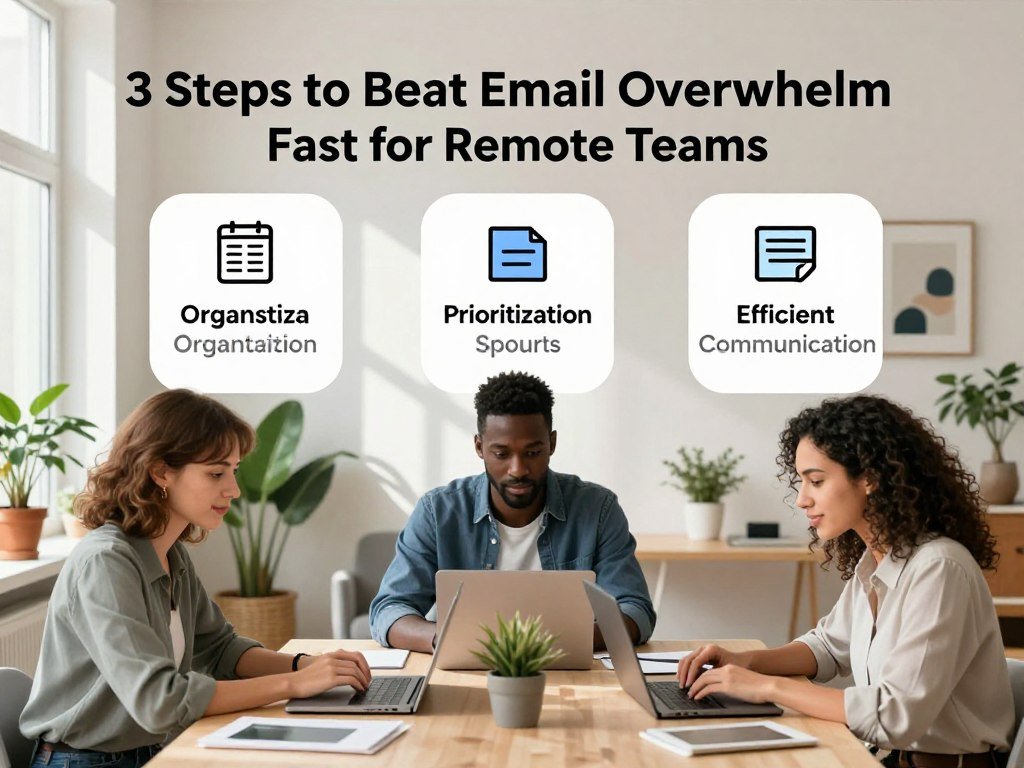
3 Steps to Beat Email Overwhelm Fast for Remote Teams
You can successfully implement 3 steps to beat email overwhelm fast even when working from different continents. Remote teams often face unique hurdles, as the need for constant connectivity can lead to a cluttered inbox and significant mental fatigue. By shifting how your team interacts, you can reclaim your focus and improve overall productivity.
Synchronizing Communication Styles Across Time Zones
Effective remote collaboration relies on respecting the boundaries of different time zones. Instead of expecting immediate replies, teams should embrace asynchronous communication as the default standard. This approach allows members to work during their most productive hours without the pressure of constant email monitoring.
Encourage your team to provide full context in every message to reduce the need for back-and-forth threads. When everyone understands the project scope, the volume of clarifying emails drops significantly. This simple shift helps maintain momentum across global offices.
Creating Shared Protocols for Urgent Requests
Relying on email for every single update is a recipe for disaster in a fast-paced environment. Organizations should utilize multiple communication channels, such as messaging apps and desktop tickers, for urgent messages to avoid email reliance. Establishing a clear protocol ensures that important information reaches the right person at the right time.
The following table outlines the best channels for different types of team communication:
| Communication Type | Recommended Channel | Response Expectation |
|---|---|---|
| Urgent/Emergency | Instant Messaging/Ticker | Immediate |
| Project Updates | Project Management Tool | Within 24 Hours |
| General Inquiries | Within 48 Hours | |
| Social/Casual | Team Chat Channel | As Available |
By defining these channels, you ensure that your inbox remains reserved for formal documentation and non-urgent tasks. Adopting these 3 steps to beat email overwhelm fast will help your remote team stay organized, efficient, and stress-free.
Conclusion
Mastering your digital workspace transforms how you approach every workday. You possess the power to turn a chaotic inbox into a streamlined engine for productivity.
Commitment to these structured habits changes your relationship with technology. You gain the ability to focus on high-impact projects rather than reacting to every notification from Microsoft Outlook or Gmail.
Small adjustments to your daily routine yield massive results over time. You deserve a workday defined by clarity instead of constant digital noise. Start applying these techniques today to see immediate improvements in your mental energy.
Share your progress with your team to foster a culture of mindful communication. Your dedication to better habits inspires others to respect boundaries and prioritize deep work. Take the first step toward a calmer, more efficient professional life right now.
FAQ
What are the 3 steps to beat email overwhelm fast?
How can I reduce inbox stress when I have thousands of unread messages?
What are some practical email management tips for staying organized daily?
Which productivity hacks for email save the most time during the work week?
How can I organize email workflow for a remote team across different time zones?
Are there specific tools that help efficiently handle email and automate tasks?
How do I overcome email anxiety regarding “Inbox Zero”?
What is the best way to maintain long-term hygiene and reduce inbox stress?

SmartLivingJournal
Prabir Dutta is a passionate digital creator, affiliate marketer, and wellness enthusiast who simplifies complex topics like AI tools, Vastu, pet care, and modern living. With a keen eye for SEO, tech trends, and everyday health solutions, he writes to empower readers with actionable, smart-living insights. When not curating content across his network of niche blogs, Prabir enjoys exploring new digital tools that make life easier and more efficient.
Keep exploring Smart Living Journal
Discover more practical ideas on wellness, home living, plants, pets, routines, and smarter everyday upgrades.